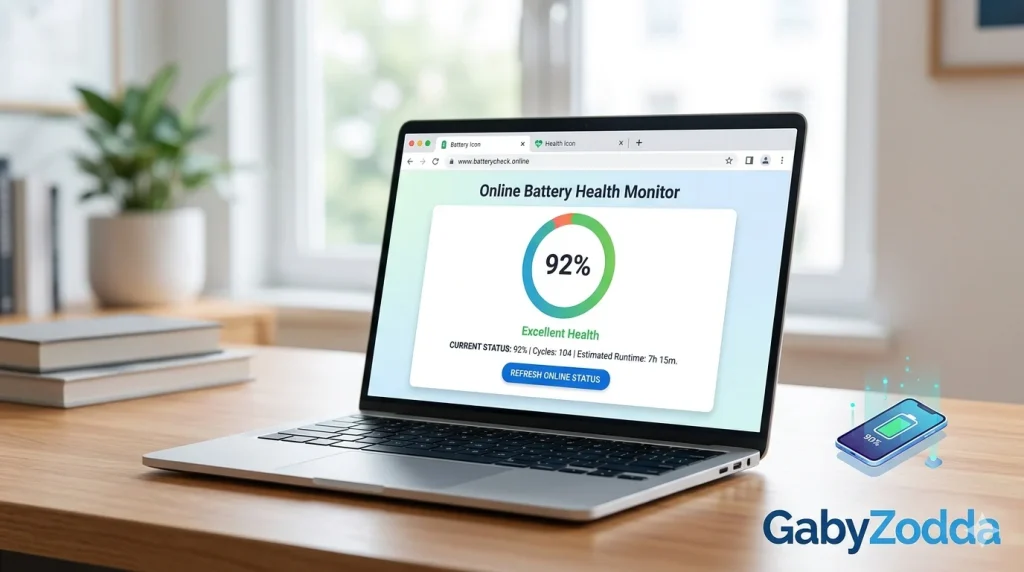
Battery Status Check Online — See Your Laptop Battery Health in Browser
Use our free battery status check online to see your charge level, charging state, and time estimates directly in your browser — no app or download needed.

Want to run a battery status check online without opening Task Manager or downloading a utility app? Browsers now expose battery data through the Battery Status API (MDN) — meaning you can check your charge level, charging state, and estimated time remaining directly on a webpage.
A battery status check online is useful when you need a quick read on your laptop or phone battery without navigating through system settings — especially on unfamiliar devices, school computers, or when troubleshooting power-related issues.
🔋 Free Battery Status Check Online
See your battery level, charging state, and time estimate in your browser right now — no signup needed.
What the Tool Shows
The tool reads these values directly from your browser via the Battery Status API:
| Reading | What It Means |
|---|---|
| Battery Level (%) | Current charge as a percentage (0–100%) |
| Charging Status | Whether your device is plugged in and actively charging |
| Time to Full | Estimated time until fully charged (shown when charging) |
| Time to Empty | Estimated remaining battery life (shown when on battery power) |
Browser Support
Not all browsers support this tool equally. Support is based on the W3C Battery Status API specification:
- Chrome and Edge — full support on Windows, Android, and ChromeOS
- Firefox — removed Battery API support in v52 due to fingerprinting privacy concerns
- Safari — does not support the Battery API; the tool will show limited data
- macOS Chrome — may show limited battery data due to OS restrictions
How to Use It — Step by Step
How to Check Battery Health and Wear Level
The browser tool shows current charge level but not battery health (wear level). To check actual battery capacity degradation, use these OS-level tools:
- Windows: Open Command Prompt as Administrator, run
powercfg /batteryreport, then open the generated HTML report — shows Design Capacity vs Full Charge Capacity (the gap indicates wear) - macOS: Hold Option, click the Apple menu → System Information → Power — shows cycle count and battery condition
- Android: Open Dialer, type
*#*#4636#*#*— shows battery info including charge status on supported devices - Linux: Run
upower -i /org/freedesktop/UPower/devices/battery_BAT0in terminal for full battery capacity and cycle data
Frequently Asked Questions
Common questions about running this tool.
