CPU Info Online: Check Your Processor Specs Free in Any Browser (2026)
CPU info online: Instantly check your processor specs, core count, and performance tier in any browser. Free JavaScript benchmark. No software download needed!
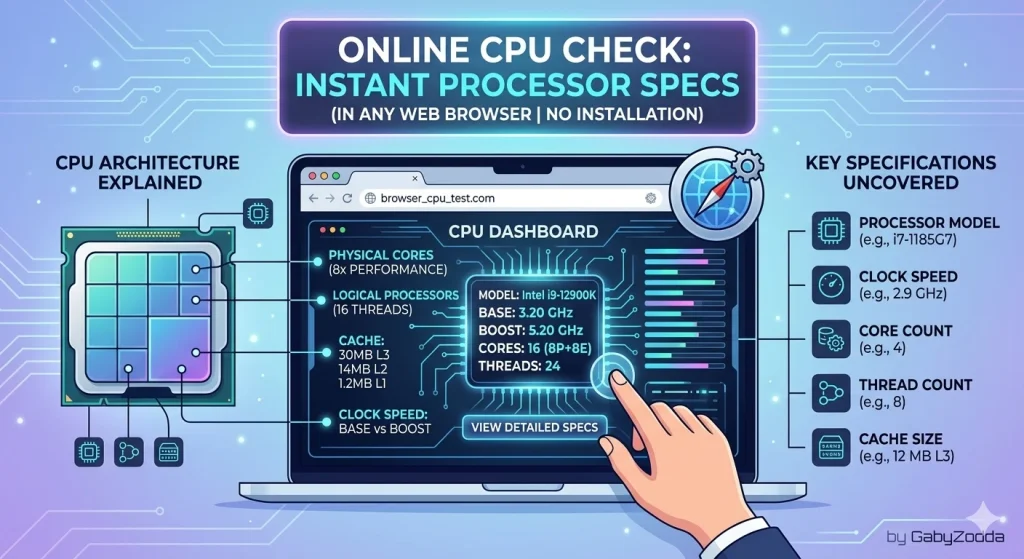
CPU info online tools let you instantly check processor specifications without installing CPU-Z, Speccy, or other system utilities. Want to know your core count, performance tier, or how your chip compares in a quick benchmark? Modern browsers expose surprising amounts of processor data through JavaScript APIs. This guide explains what information is available, how to interpret it, and how to run a free performance evaluation directly in Chrome, Firefox, Edge, or Safari.

Web-based processor detection displaying logical core count and system specifications
💻 Free Online Processor Checker
Evaluate your core count, performance tier, and run a quick JavaScript benchmark — right in your browser without downloads.
What CPU Data Can Browsers Detect?
When you check CPU info online, browsers can reveal several key specifications through native JavaScript APIs. However, privacy protections limit access to certain sensitive details.
| Specification | Browser Access | How It’s Detected |
|---|---|---|
| Logical Core Count | ✔ Available | navigator.hardwareConcurrency API |
| Performance Tier | ✔ Inferred | Calculated from core count classification |
| Operating System | ✔ Available | navigator.platform property |
| Browser Type | ✔ Available | User agent string parsing |
| Exact CPU Model | ✘ Blocked | Privacy protection — use OS tools instead |
| Clock Speed / GHz | ✘ Blocked | Not exposed for security reasons |
Understanding Hardware Concurrency
The primary method for gathering CPU info online is the navigator.hardwareConcurrency property. This returns the number of logical processors available to the browser, including both physical cores and virtual threads from hyperthreading or SMT (Simultaneous Multi-Threading).
For example: an Intel Core i7-12700K with 12 physical cores and hyperthreading reports 20 logical processors. An AMD Ryzen 9 5900X with 12 physical cores and SMT reports 24 logical threads. This metric forms the foundation of browser-based processor evaluation.
CPU Performance Tiers by Core Count
When analyzing CPU info online, core count serves as a reliable performance indicator. Here’s how modern processors typically classify:
| Logical Cores | Performance Class | Typical Examples |
|---|---|---|
| 2–4 cores | Entry-level / Basic | Intel Celeron, Atom, older Pentium |
| 4–6 cores | Budget / Everyday | Intel Core i3, AMD Ryzen 3 |
| 8 cores | Mid-range | Intel Core i5, AMD Ryzen 5 |
| 12–16 cores | High-performance | Intel Core i7, AMD Ryzen 7 |
| 20+ cores | Enthusiast / Workstation | Intel Core i9, AMD Ryzen 9, Threadripper |
JavaScript Benchmark: What It Measures
Beyond basic CPU info online, you can evaluate single-core performance through JavaScript execution speed. The GabyZodda benchmark runs 5 million mathematical operations (square root calculations) in a single thread, measuring completion time in milliseconds.
This tests single-threaded JavaScript performance — critical for web browsing responsiveness, JavaScript-heavy applications, and general UI fluidity. Lower scores indicate faster processing.
How to Find Your Full CPU Model Without Software
Since CPU info online tools cannot access exact model names due to privacy restrictions, use these built-in OS methods:
- Windows: Press Win+R, type
msinfo32, press Enter — view “Processor” in System Summary - macOS: Apple menu → About This Mac — chip name displays immediately
- Linux: Terminal command:
cat /proc/cpuinfo | grep "model name" - Android: Settings → About Phone → Processor (location varies by manufacturer)
Frequently Asked Questions About Online Detection
Video Tutorial: Complete Browser CPU Detection Guide
For technical specifications on the Hardware Concurrency API, see MDN Web Docs on navigator.hardwareConcurrency — the authoritative source for web developer documentation.
